A few weeks ago I taught a webinar where I shared 7 ways to help Facebook page owners get their content more reach in light of the new algorithm changes happening. You can watch the replay of that video here.
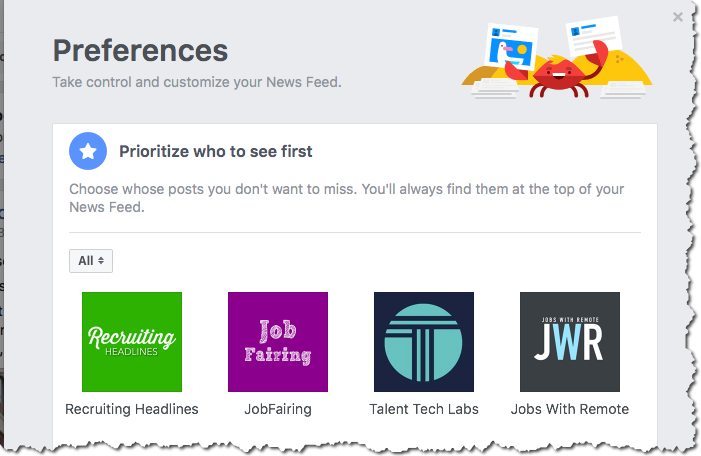
But here’s the first thing you can do. Instruct your page’s followers to manually prioritize your content by following these easy steps. Try this with your employees to start.
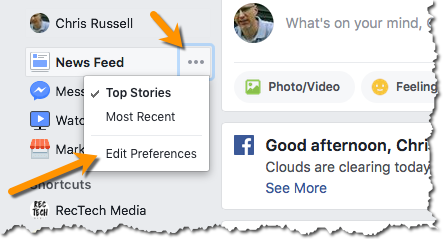
- Go to “Edit Preferences” for the News Feed.
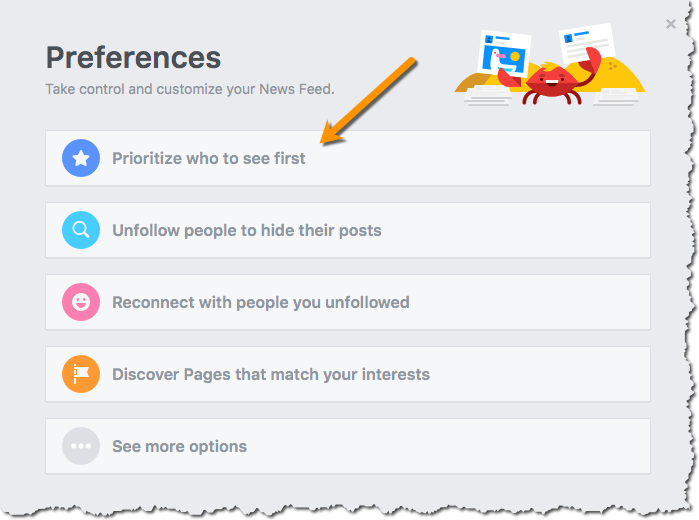
2. Choose “Prioritize who to see first”
 3. Choose your page and you’re done! They will they ALWAYS see your content when they open Facebook.